#multi-agent#features
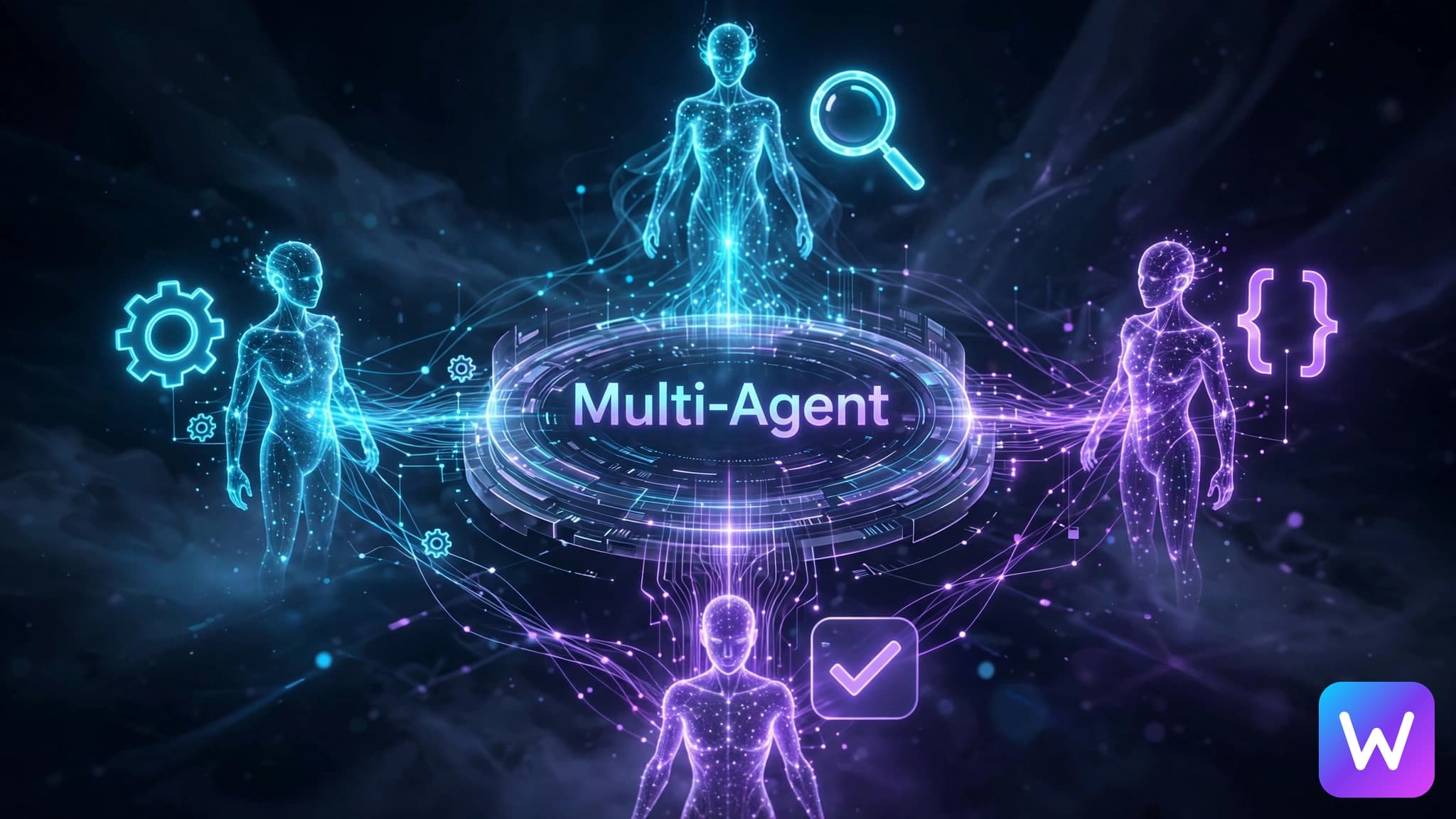
Multi-Agent Workflows
Create WindOp teams of specialist AI agents for research, coding, review, and complex multi-step desktop automation workflows.
On this page · 18
Team Up Your AI
What if your AI assistant could clone itself and have different experts work on different parts of your task simultaneously?
Teams
Create teams of specialist agents:
- Explorer — investigates the codebase
- Coder — implements changes
- Reviewer — checks for bugs and improvements
Execution Modes
- Sequential: Explorer → Coder → Reviewer (pipeline)
- Parallel: All agents work simultaneously
Discussion Mode
Agents can refine each other's work. The reviewer might suggest improvements that the coder implements in a second pass.
Why multiple agents matter
A single AI assistant can do a lot, but complicated work usually has different phases. Research is not the same as implementation. Implementation is not the same as review. Review is not the same as writing a final summary. When one agent tries to do everything, it can lose focus or rush through the parts that need a different mindset.
Multi-agent workflows split the work into roles. That makes the task easier to supervise because each agent has a clearer job. In WindOp, this is especially useful for desktop and coding workflows because the app can combine model reasoning, tools, files, browser work, and user checkpoints. The multi-agent docs cover the feature side, but this post is the practical mental model.
The goal is not to spawn agents for everything. The goal is to use them when the task is large enough that role separation improves the result.
Common agent roles
Here are the roles I reach for most often:
| Role | Job | Good output |
|---|---|---|
| Explorer | Inspect context without changing files | Findings, file paths, risks, missing info |
| Researcher | Search docs, compare sources, gather facts | Source-backed notes and options |
| Planner | Turn a goal into steps | A clear sequence with checkpoints |
| Coder | Make scoped implementation changes | Small patches that match the plan |
| Reviewer | Look for bugs, regressions, missing tests | Specific findings with file references |
| Verifier | Run commands, test flows, check screenshots | Evidence of what passed or failed |
| Summarizer | Explain the result to the user | Short final report and next steps |
You do not always need all of these. For a small code fix, Explorer, Coder, Reviewer may be enough. For research-heavy work, Researcher and Summarizer may be enough. For risky desktop automation, Planner and Verifier matter a lot.
Sequential vs parallel execution
The simple rule:
| Mode | Use when | Example |
|---|---|---|
| Sequential | Each step depends on the previous answer | Explore repo -> implement fix -> review patch |
| Parallel | Work can be split into independent parts | Research competitors while another agent audits docs |
| Hybrid | Some work splits, then comes back together | Three agents inspect areas, one coder applies final change |
Sequential is safer when the task has a critical path. If the coder needs the explorer's findings before editing, do not run both blindly at the same time. Let the explorer finish, then hand the findings to the coder.
Parallel is faster when the work is independent. For example, one agent can inspect docs, another can inspect pricing copy, and another can review blog SEO. They do not need to touch the same files, so you get useful results faster.
Hybrid is usually the best for serious work. You split the information gathering, then consolidate before editing. That avoids duplicate work and reduces conflicts.
Real-world examples
Example 1: Fix a broken Next.js build
A good multi-agent setup:
- Explorer reads the build error and finds the likely files.
- Coder makes the smallest fix.
- Verifier runs
npx next build. - Reviewer checks whether the fix caused a hidden regression.
Prompt:
This is better than one giant prompt because it prevents the model from editing before it understands the problem.
Example 2: Research and write a comparison page
A good setup:
- Researcher A studies competitor features.
- Researcher B studies pricing and packaging.
- Writer drafts the page.
- Reviewer checks claims and internal links.
This can run partly in parallel because competitor research and pricing research are separate. The writer should wait until the researchers finish.
Example 3: Desktop cleanup
A safe setup:
- Explorer lists files and proposes categories.
- Planner creates a move plan.
- User approves.
- Operator moves files.
- Verifier checks the final folder structure.
For desktop automation, I like this because it puts the user in control before anything changes. If you want the basics of how WindOp controls the screen, read Desktop Automation 101.
Advanced patterns
The debate pattern
Use two agents to propose different approaches, then a reviewer chooses the safer one. This is useful when you are not sure whether to refactor, patch, or leave something alone.
The red-team pattern
Have one agent intentionally look for failure cases. This is useful for security, payments, file deletion, automation, and anything that could affect user trust.
The parallel draft pattern
For writing or design, ask two agents for independent drafts, then merge the strongest parts. This can improve creative work, but it needs a strong editor at the end.
The specialist model pattern
Different agents can use different model strengths. A cheaper model can gather notes. A coding model can patch files. A premium model can review. This connects directly to AI Models today for general use: model choice should follow the role.
When not to use multi-agent
Do not use multiple agents for tiny tasks. If you need to rename one file, summarize one paragraph, or change one button label, one agent is enough. Multi-agent workflows add coordination overhead. They are worth it when the work is large, risky, ambiguous, or parallelizable.
A quick rule:
| Task size | Agent setup |
|---|---|
| One small edit | Single agent |
| A bug with unknown cause | Explorer -> Coder -> Reviewer |
| Big content or research task | Parallel researchers -> writer -> reviewer |
| Risky automation | Planner -> user approval -> operator -> verifier |
| Product build | Researcher, designer, coder, verifier, reviewer |
How to start in WindOp
If you are new, install from the download page, then start with a small sequential workflow. For example:
That prompt gives you the benefits of role separation without making the workflow too complicated. Once you trust it, move into parallel work:
That is where WindOp becomes more than an assistant. It becomes a small operating team on your PC, with you still making the final call. The future is not just asking AI for answers. It is coordinating AI workers that can research, build, test, and explain the result in one workflow.
Keep reading
Related posts
WindOp v0.2.54 Launched in May. The Next Update Is Still Being Built.
WindOp v0.2.54 launched on May 14, 2026. Here is what shipped in that release, what we have been building since, and why we are not done yet.

WindOp v0.2.55: Now on Mac, and No API Key Needed
WindOp now runs natively on Apple Silicon and Intel Macs, works without your own AI key, and asks before pressing anything you can't undo.
Unknown Projects Is an LLC Now. WindOp Isn't Done. The Future Is Bigger Than We Let On.
Unknown Projects is officially a limited liability company. Here is the story behind the company behind WindOp, what a formal entity changes, and why the brightest chapter is the one being built right now.