#features#automation
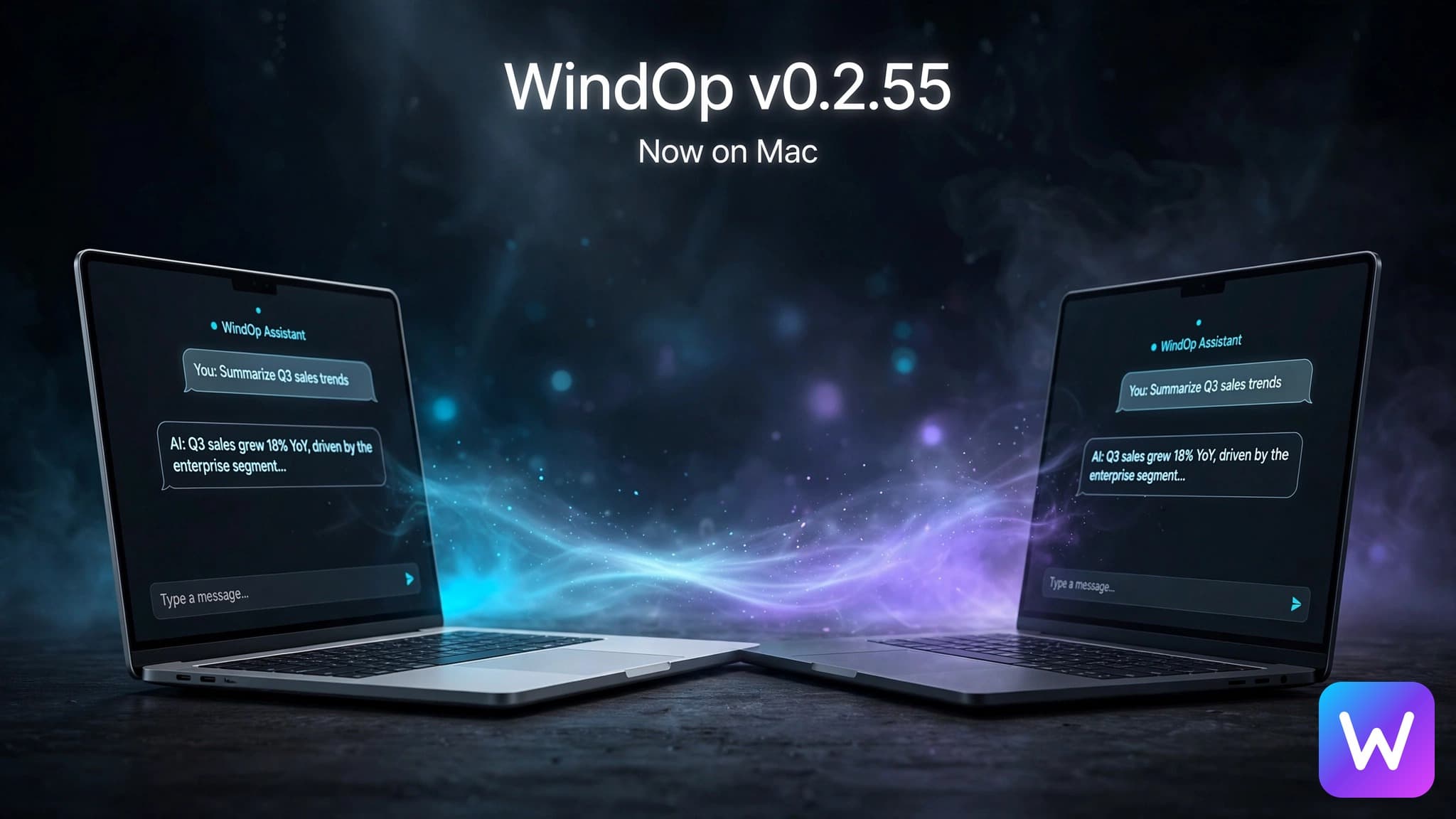
WindOp v0.2.55: Now on Mac, and No API Key Needed
WindOp now runs natively on Apple Silicon and Intel Macs, works without your own AI key, and asks before pressing anything you can't undo.
On this page · 7
WindOp is on Mac now. And you don't need an API key anymore.
Back in August we said v0.2.54 wasn't the finish line. v0.2.55 is the next step, and it's the biggest update WindOp has had.
Two changes stand out. WindOp now runs on Mac, with native builds for both Apple Silicon and Intel. And you can start without your own AI key.
Mac, both kinds
There are two downloads on the download page: Apple Silicon for M-series Macs and Intel for older ones. Neither is a translated Windows build. Each one is compiled natively for its chip.
Here's the thing: the Mac app isn't notarized by Apple yet. The first time you open it, macOS will block it. Go to System Settings → Privacy & Security and click Open Anyway. That's a one-time step, and notarization is on the roadmap.
Connect AI however you like
You used to need an OpenRouter key before WindOp could do anything. Now there are three ways to connect:
- WindOp credits. Sign in and go. Each reply shows which account paid for it and what it cost.
- Your own OpenRouter key. Same as before, free models included.
- Your Claude or ChatGPT subscription. If Claude Code or Codex is installed and signed in, WindOp can use the plan you already pay for. Those chats still go through WindOp's tools and approval prompts.
Images, video, speech and web search work with WindOp credits too, not just chat.
Desktop control that asks first
Letting an AI click around your computer only works if you trust it. v0.2.55 adds hard limits:
- WindOp asks before pressing anything final, like Send, Submit, Pay or Delete, and tells you exactly which button in which app.
- It never types into password or card fields.
- Ctrl+Alt+Esc stops desktop control from any app.
- Deleting a file needs two confirmations: WindOp's, then one from your operating system. A backup is taken first.
- Code and shell commands are clearly labelled "No sandbox" and always ask before running.
The everyday stuff
- Voice input. Click the mic or press Ctrl+Shift+M, talk, and edit before sending.
- Temporary chats (Ctrl+Shift+T) are never saved to disk.
- Projects without a folder, and routines you set up in plain language.
- File edit history. Every file WindOp edits is backed up, and you can restore any version from Settings → Storage.
- Recovery after an interruption. If WindOp closes mid-task, it tells you what happened next time you open it, and it never re-runs a step that changed something.
- Smoother streaming, sharper text on Windows, and lower costs on long chats thanks to context-cost modes and prompt caching.
- Built-in updates on Windows and Mac.
The full list is in the changelog.
What's next
Encrypted sync between devices is in preview. We're also working on Apple notarization, computer control that moves data between apps, and faster startup. See the roadmap.
The Bottom Line
WindOp started as a Windows Operator. It now runs on Mac too, needs no setup bill, and asks before it does anything you can't undo. Download v0.2.55 and see for yourself.
Keep reading
Related posts
WindOp v0.2.54 Launched in May. The Next Update Is Still Being Built.
WindOp v0.2.54 launched on May 14, 2026. Here is what shipped in that release, what we have been building since, and why we are not done yet.

Unknown Projects Is an LLC Now. WindOp Isn't Done. The Future Is Bigger Than We Let On.
Unknown Projects is officially a limited liability company. Here is the story behind the company behind WindOp, what a formal entity changes, and why the brightest chapter is the one being built right now.

AI Scene Currently
Track the latest AI model releases, OpenRouter capabilities, and practical model picks for coding, everyday work, and WindOp automation.