#features#automation#multi-agent#insight
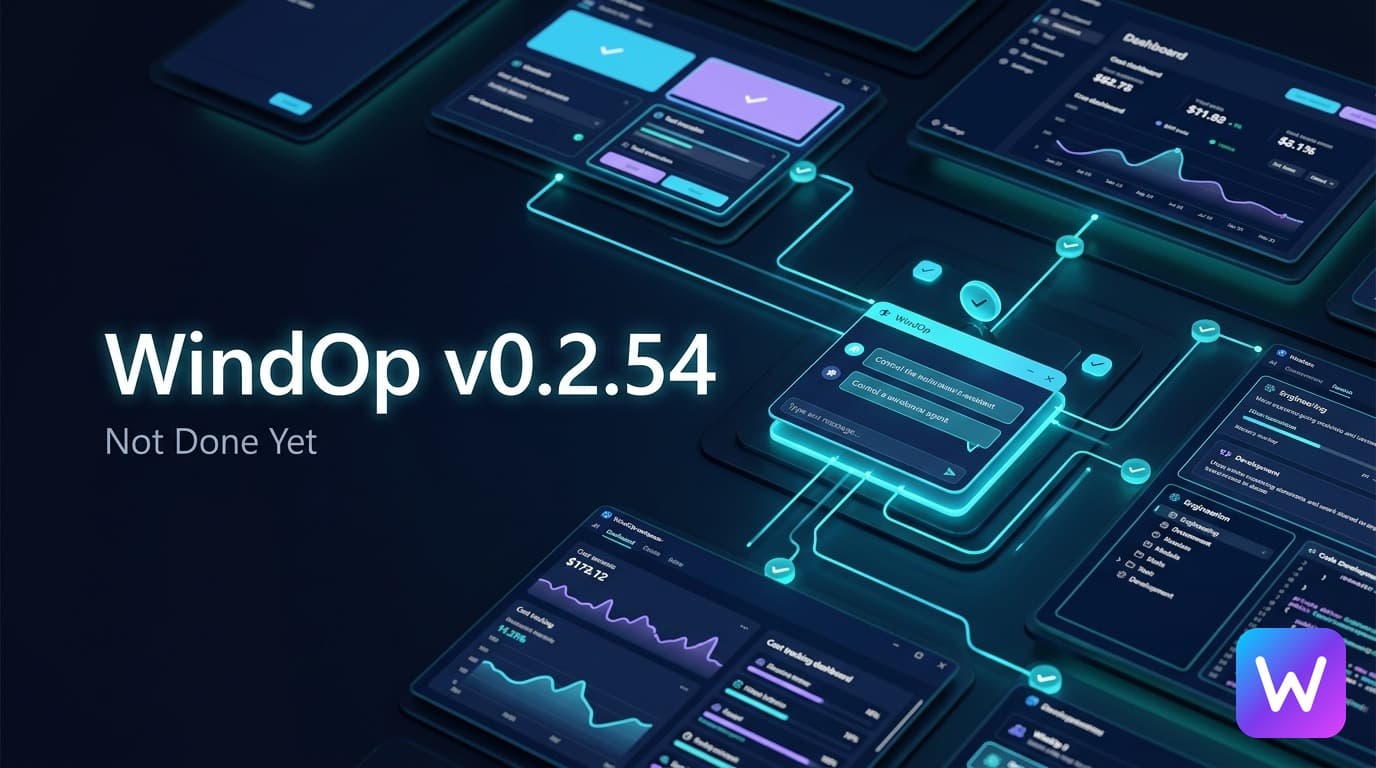
WindOp v0.2.54 Launched in May. The Next Update Is Still Being Built.
WindOp v0.2.54 launched on May 14, 2026. Here is what shipped in that release, what we have been building since, and why we are not done yet.
On this page · 8
WindOp v0.2.54 launched in May. The bigger update is still being built.
WindOp’s current public release is v0.2.54, which launched on May 14, 2026, and brought meaningful improvements to the desktop experience.
The release includes a better Workspace, built-in TTS controls, expanded MCP management, improved streaming, stronger file searching and editing, better support for OpenClaw, Claude Code, and Codex, and a cleaner way to organize tool calls inside conversations.
You can read the WindOp v0.2.54 changelog or download the latest Windows installer from the WindOp download page.
But here’s the thing:
v0.2.54 is not the finish line. It is the foundation for what comes next.
What v0.2.54 established
The latest release focused heavily on making WindOp more useful during everyday work.
That means improving the parts of the application users interact with constantly:
- The Workspace is easier to navigate
- TTS is accessible directly from the message interface
- MCP servers can be added, integrated, and edited from WindOp
- Streaming behavior is more reliable
- File searching and editing are more capable
- Tool calls are easier to follow through bundled, collapsible segments
- External coding agents such as OpenClaw, Claude Code, and Codex work more smoothly
These are not small quality-of-life changes.
An AI application is only as useful as its ability to manage context, tools, files, and long-running work without becoming confusing. v0.2.54 pushed WindOp further in that direction.
The next phase goes beyond chat
Since that release, development has moved toward a much larger goal:
WindOp should be able to understand and operate the Windows desktop more carefully.
That work includes a new computer-use integration layer designed around structured Windows interaction rather than blind mouse automation.
The new CUA work is being built to support:
- Discovering open windows
- Identifying the correct application
- Inspecting accessible interface elements
- Capturing screenshots and UI state
- Finding buttons, tabs, inputs, links, and controls
- Clicking, typing, scrolling, dragging, and pressing keys
- Detecting when a screenshot or element reference has gone stale
- Verifying whether an action actually succeeded
- Escalating from background input only when the driver reports that escalation is necessary
Let’s be real—desktop automation is easy to demonstrate and difficult to make dependable.
A serious assistant cannot simply click the first button it sees. It needs to know which window it is controlling, whether the interface changed, whether multiple controls match the same description, and whether the action was confirmed.
That is the standard we are working toward.
More visibility into AI usage
The next application work also adds more visibility around cost and model usage.
WindOp is being prepared to expose better observability around:
- Token usage
- Provider behavior
- Cost tracking
- Budget limits
- Integration status
- Agent execution details
WindOp supports a broad range of AI providers and models through OpenRouter. That flexibility is powerful, but it also means users need better information about what each session is consuming.
The assistant should not make usage invisible.
More careful agent behavior
We are also refining how WindOp responds when an AI provider stops partway through a response.
Automatic continuation can sometimes help, but it can also produce duplicate text, spend additional tokens, or hide the fact that the original response was incomplete.
The newer direction is more transparent:
- Preserve partial responses
- Report incomplete output clearly
- Track continuation usage
- Avoid silently retrying or extending work without user intent
- Let the user decide whether more generation is needed
The assistant should be useful without quietly doing more than the user asked.
The work is also getting more serious under the hood
New features are only valuable if the application remains safe and stable.
That is why the current development cycle includes a deeper audit of WindOp’s Tauri and integration layers, including:
- Filesystem capability scope
- Shell execution permissions
- HTTP request restrictions
- Rust-side path validation
- Computer-control boundaries
- Agent correctness
- Startup behavior
- Build and release reliability
Some of this work is still in progress.
We are not going to call an audit complete just because a plan exists. These changes need to be implemented, tested, and verified against real Windows workflows before they should be described as finished.
We are not done yet
The currently published public version is WindOp v0.2.54, released on May 14, 2026.
The newer work is moving toward the next stage: an assistant that can work with the desktop more intelligently, make its actions observable, handle failures more honestly, and give users more control over cost and automation.
That work is not all released yet.
The CUA integration still needs more testing. Security hardening still has more pieces to complete. Agent behavior will continue to evolve. And every new capability creates another set of edge cases that need to be handled correctly.
That is intentional.
WindOp is not being rushed toward a feature checklist. It is being built toward dependable computer assistance.
The bottom line
WindOp v0.2.54, released on May 14, represents real progress in Workspace usability, MCP management, TTS, streaming, file operations, and tool rendering.
But the next version is aiming higher.
We are building toward a WindOp that can understand the desktop, operate applications with verification, explain what it is doing, track the cost of its work, and respect the boundaries of the person using it.
v0.2.54 remains available, while the larger transformation is still underway.
And honestly?
We’re not done yet.
Keep reading
Related posts

WindOp 0.3.0: see what it remembers, and it starts faster
v0.3.0 lets you see, add and remove everything WindOp remembers, opens faster, tells you which routines ran late, and ships Mac builds signed with our Apple Developer ID.
WindOp v0.2.55: Now on Mac, and No API Key Needed
WindOp now runs natively on Apple Silicon and Intel Macs, works without your own AI key, and asks before pressing anything you can't undo.
Unknown Projects Is an LLC Now. WindOp Isn't Done. The Future Is Bigger Than We Let On.
Unknown Projects is officially a limited liability company. Here is the story behind the company behind WindOp, what a formal entity changes, and why the brightest chapter is the one being built right now.